
SQL transaction log reader
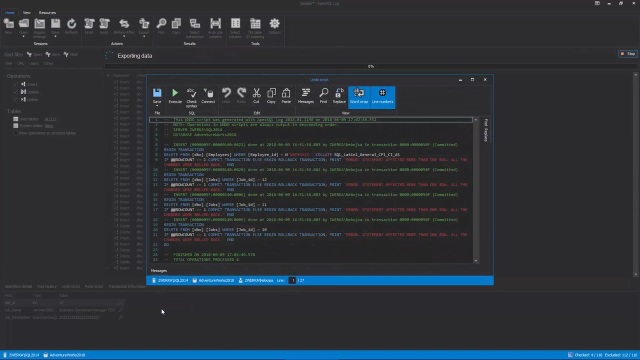
ApexSQL Log is a SQL Server database transaction log reader which allows users insight into SQL Server database transaction log files and backup. ApexSQL Log can be used both locally or remotely to perform auditing and recovery jobs. Users can audit database changes and present in a comprehensive grid, where they can be analyzed and inspected in great detail, including who made the change and when, as well as the before-after change values and full history of affected rows regardless of the auditing method (local or remote).
 03:35
03:35
Benefits
-
Audit data, schema, and permission changes
-
Gain full visibility into your transaction logs
-
Rollback or replay any database transaction
-
Forensically investigate who changed what and when
-
Implement before and after auditing
-
View a complete history of row changes
-
Reverse inadvertent or malicious database transactions
-
Avoid performance overhead and data storage
Features
Transaction visualization
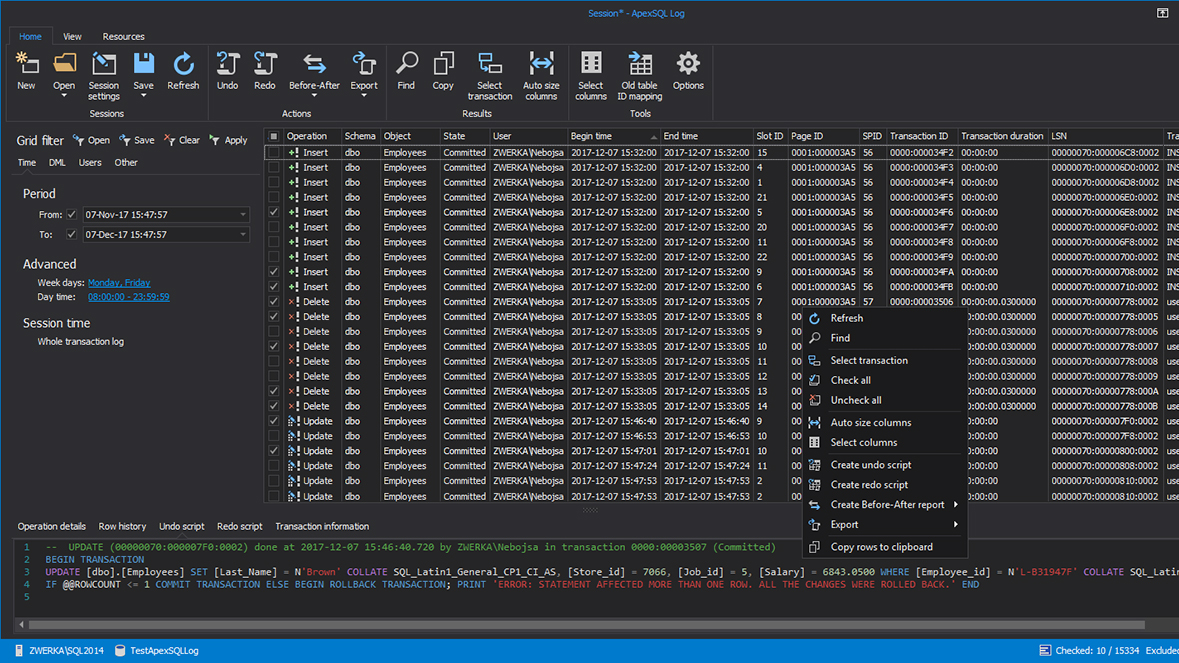
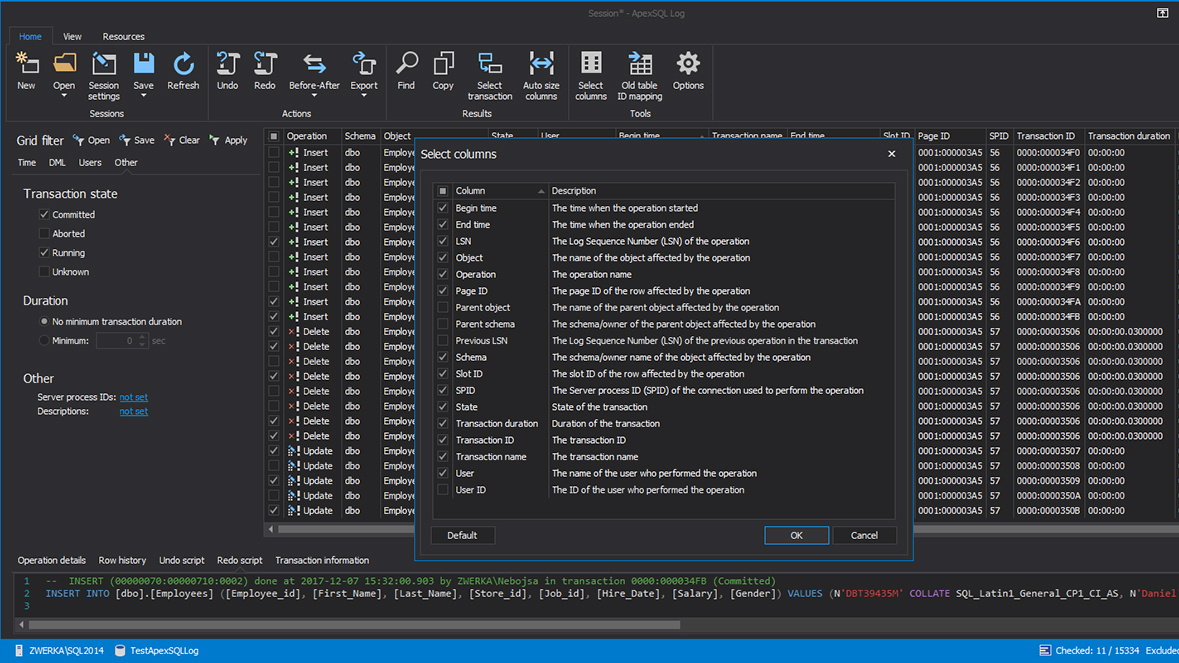
View, group, and sort transactions in a custom high performance grid with advanced filtering options. Learn more
Data recovery
View deleted and damaged data. Reverse inadvertent or malicious database transactions to repair data. Recover from specific data loss/damage without relying on full database restores. Learn more
Before and after auditing
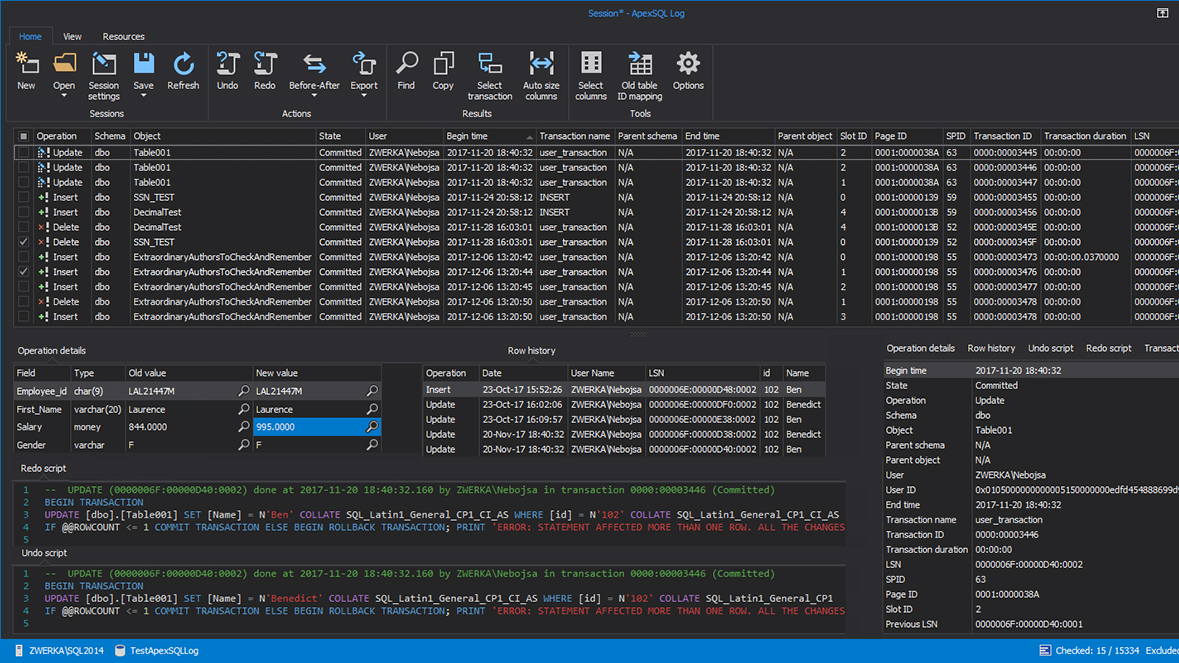
View before and after values for update operations, who changed what and when the change occurred as well as the full row history of row changes. Learn more
Undo or redo
Selectively view or script one or all operations in a transaction and create replay or reroll scripts. Learn more
Transaction isolation
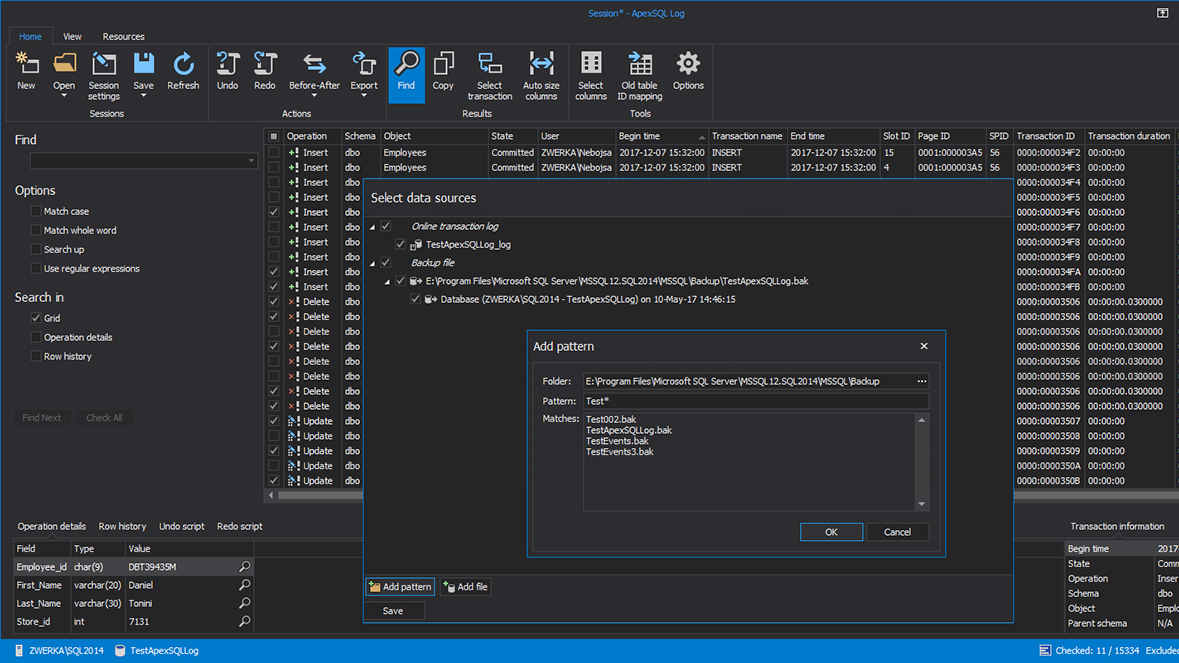
Isolate specific SQL Server transactions by user, date, object, change type, and more. Utilize advanced grid search algorithms including regular expressions, transaction details and row history search. Learn more
Multiple report and output formats
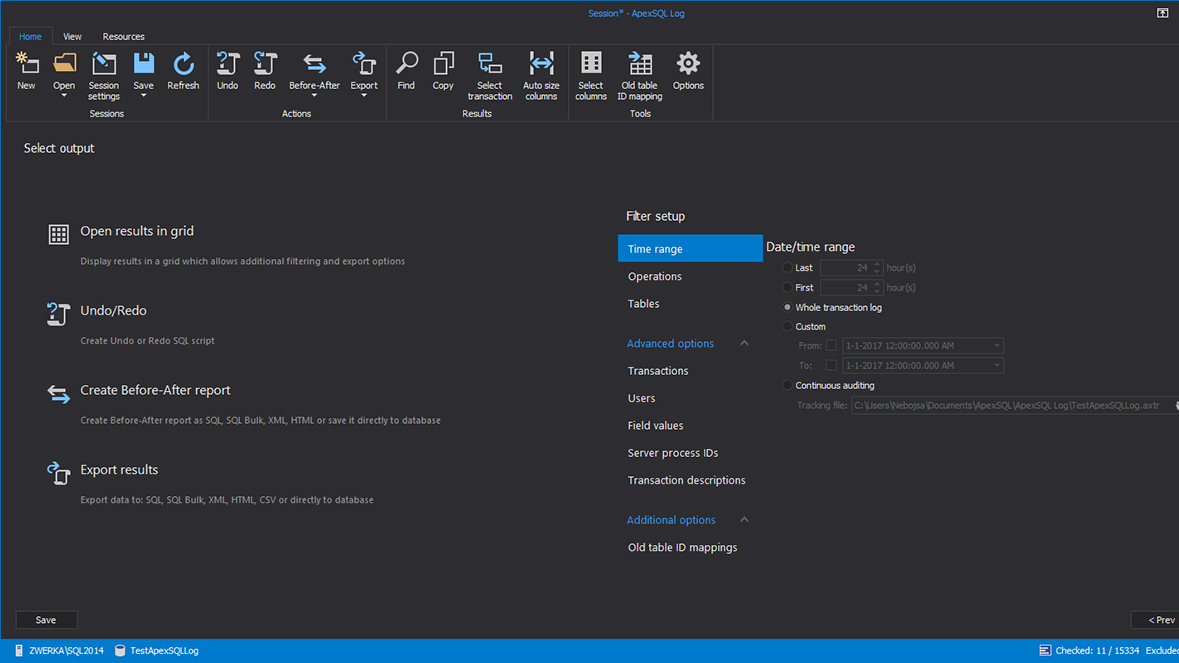
Display the transaction log information in grid or export to HTML, CSV, XML, SQL Script, SQL Bulk files or directly to a database. Learn more
Detailed login info
Find out the name of the login, who and when made the change, even before the product was installed as well as granular details for every operation and transaction recorded in the transaction log. Learn more
Unattended execution
Read transaction log files unattended during off peak hours via the CLI, minimizing the overhead on your server. Learn more
Visual themes
Customize the visual appearance with interface themes. Learn more
Resources and support
Why ApexSQL Log?
Forensic auditing
Find out who changed what and when. Review values before and after a change as
well as the complete history of row changes, from initial insert to all
subsequent updates or deletion. Learn
more
Disaster recovery
Find out who changed what and when. Review values before and after a change as
well as the complete history of row changes, from initial insert to all
subsequent updates or deletion. Learn
more
Load testing
Easily record loads on production and then replay them on staging, simulating a
production environment. Learn
more
Zero data loss restores
When restoring from the most recent backup, any data added since the backup date will be lost. ApexSQL Log can capture those "missing" transactions and easily replicate them to your restored database, ensuring you never lose a single row of data from an emergency restore.
Row-level recovery
Restore lost or damaged data, down to the row level, directly from a backup, or
even the online log, without having to restore the entire database. Learn
more
Point in time recovery
Roll back an entire database or only specific database tables to the exact
point in time. Learn
more
DDL auditing
Track any DDL changes and roll back any unintended structure changes on SQL
Server database tables. Learn
more
No downtime/data loss migrations
Ensure that no transactions are missing after migration downtime by replaying
the transactions which have occurred during the downtime period by replaying
them on the migrated database by reading the transaction log file. Learn
more
Before-after auditing
Drill down and see the values before and after the change has occurred on the
row level. Learn
more
SQL injection attacks
Immediately identify SQL injection attacks, isolate affected/damaged data and
reverse/repair the damage. Learn
more
Gallery
Related Topics
Get started now
Read the SQL Server transaction logs to audit, rollback or replay database schema and data changes.